Last checked: 2026-11-10
How to Redeem Night Rider Codes (Roblox)
Last checked 10 Nov 2026: the published PC path is Shop > Codes > ENTER CODE > REDEEM, with the reward shown below the button.
PC
- Join the official Night Rider place from the Roblox game page.
- Open SHOP from the side menu.
- Choose Codes.
- Click the ENTER CODE box.
- Type the string in capitals. Do not include the quote marks around RELEASE.
- Press the green REDEEM button.
- Read the line under the button. Examples on camera: BIGUPDATE redeemed! +$8,000, POLICE redeemed! +$6,000, SECRET redeemed! +$5,000.
Mobile and console
The official game description lists PC, controller and mobile, but does not name specific consoles. The steps above cover the PC interface shown by Roblox Den and Destructoid. Their guides do not establish a separate touch layout or controller focus sequence. Follow your device’s current on-screen prompts rather than assuming PC inputs transfer unchanged.
When the button fails
Capitals and spacing come first. All six current codes are one word. A second try of a code that already paid that account will not pay again. If a code fails, compare its status on the current list and check for an already-claimed message. A failed RELEASE attempt alone does not diagnose a connection fault or prove that another code expired.
Roblox Den still tags RELEASE as Check while three other lists call it usable. The table preserves that status difference.
Current codes and rewardsExpired archive
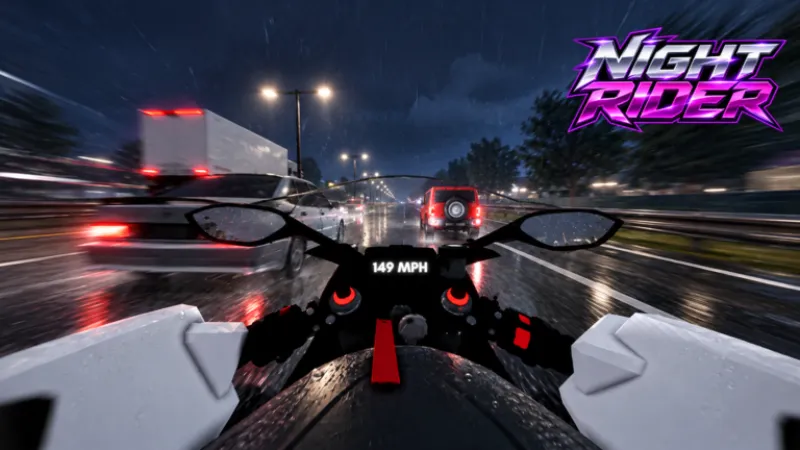
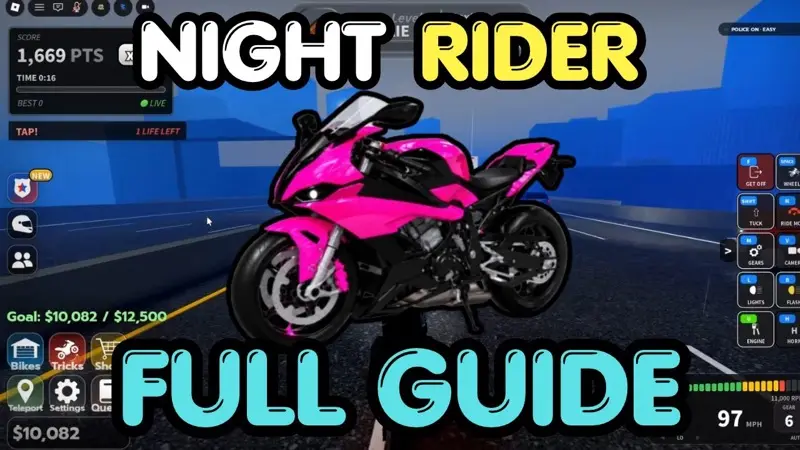
ALL WORKING CODES For Night Rider 2026. Uploaded 2026-10-30. The player loads after you press play.
Questions
Why did my code do nothing?
The six live codes are all capitals with no spaces. RELEASE is written with quote marks in the game description; you type the letters only. A code already used on that account will not pay twice.
Does mobile use a different menu?
The official page supports mobile and controller, but the cited walkthroughs document the PC panel. Use the on-screen prompts for your device; a separate button map is not published here.
Sources
- Official game page · checked 2026-11-10
- night-rider-roblox.wiki codes · checked 2026-11-10
- nightriderroblox.wiki codes · checked 2026-11-10
- Roblox Den illustrated steps · checked 2026-11-10
- Destructoid redemption steps · checked 2026-11-10
- Gaming Dan codes video · checked 2026-11-10